
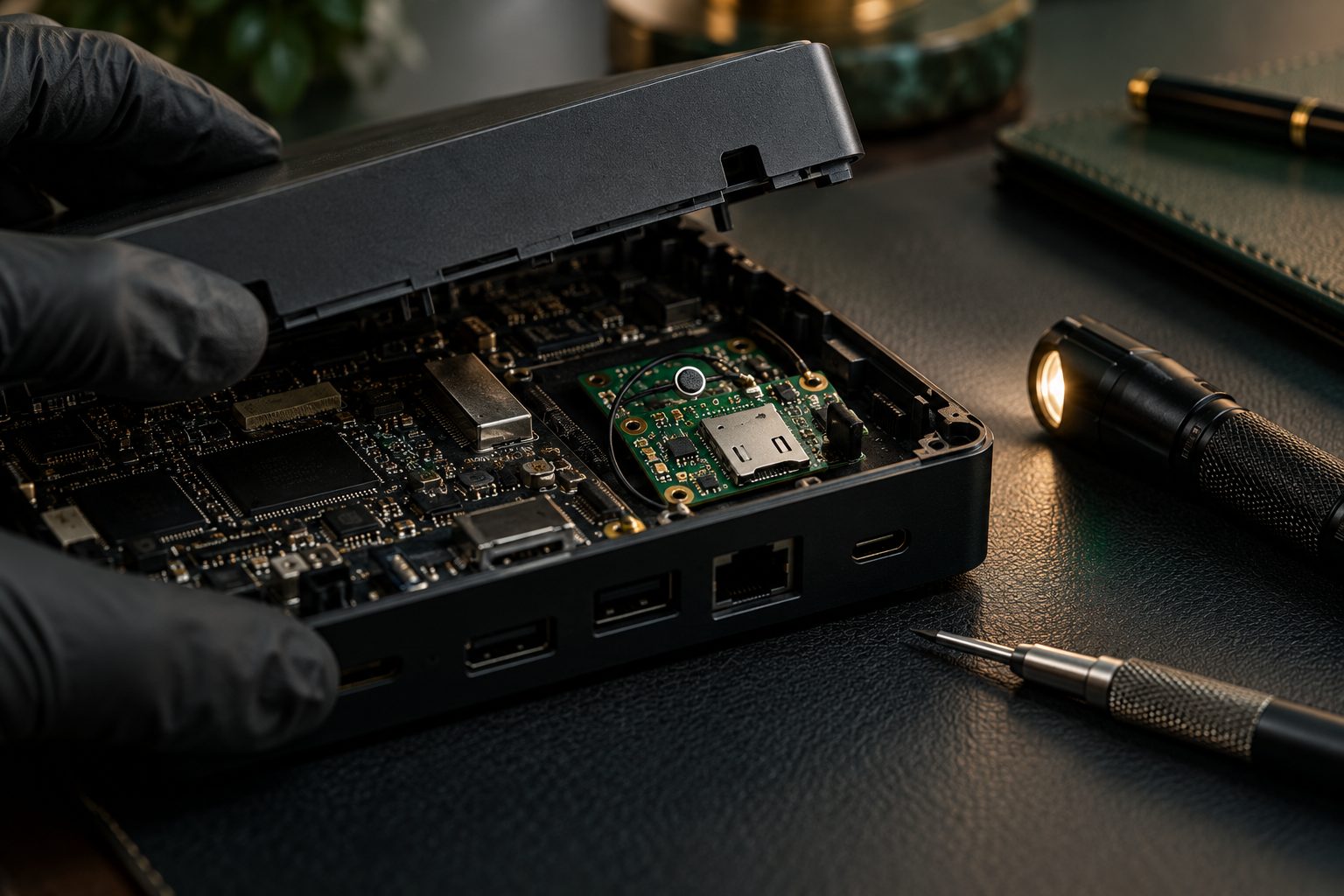
Team experience: this article draws on concealment types encountered by members of our team during their professional careers. The example is explained in general terms for confidentiality and is not presented as a Bureau Securitas Ltd. client engagement.
A laptop dock combines power, peripheral connections and a familiar place on a desk. That makes its equipment history relevant when examining a sensitive office. A replacement dock or an unexplained modification needs identification; it is not, by itself, evidence of surveillance.
Our office and boardroom inspection service can include agreed installed equipment. The brief should identify which objects may be examined and which require IT, property-owner or manufacturer involvement.
Separate the possible issues
The example concerns an additional listening function concealed within otherwise familiar equipment. Depending on the item, a separate communications module could operate independently of the laptop. A network-related concern is a different question and must be examined on its own evidence.
A microphone or cellular component does not automatically provide access to a corporate network. The connections and capabilities need to be established, rather than inferred from the dock’s Ethernet socket or power supply.
What to record before examination
- The dock’s make, model, serial number and authorised owner, where known.
- Who supplied or replaced it and when.
- Relevant IT, maintenance and room-access records.
- The specific observation or information-loss concern.
- Any restrictions on opening the casing, disconnecting equipment or interrupting work.
Keep the initial enquiry factual. Temperature, interference or an unfamiliar cable can have routine explanations. Avoid making allegations about a supplier or employee from an unexplained technical symptom.
Use more than one line of enquiry
NPSA’s protective-security guidance includes technical surveillance among the risks that can affect sensitive premises. A practical inspection response also needs to account for ordinary installed electronics.
The REI ORION manual describes NLJD operation and limitations. A legitimate dock contains electronic components, so a detector indication cannot independently identify a covert addition. Appropriate physical comparison, electronic observations and authorised device examination may be needed together.
An antivirus result also answers only the questions within that software’s scope. It does not establish what every separate hardware component does. If a computer, storage device or network requires examination, arrange digital forensic support with a defined authority and question.
Agree the response before dismantling
Do not open or rewire a powered dock yourself. Discuss safe isolation, equipment handling and documentation with the responsible specialists. If a suspected surveillance item has already been found, consult the discovery guide, addressing immediate safety and police needs first.
Ask the report to separate confirmed findings from hypotheses. Device ownership, purpose, operation and the identity of anyone involved are distinct questions. Legal use and further forensic work may require an additional evidence plan.
Frequently asked questions
Will an office sweep automatically include the laptop’s data?
No. Premises inspection and digital examination need their own scopes and permissions.
Can an NLJD identify a modified dock on its own?
No. Legitimate circuitry must be distinguished from any suspected addition through appropriate follow-up examination.
Does a replacement dock mean someone installed a bug?
No. Establish the equipment and access history, record the concern and seek an appropriate technical assessment.
Discuss the office concern
Request a confidential scoping discussion. Include the room, object, ownership, access and reason for concern. For repeated use of sensitive offices, consider an agreed corporate TSCM programme.
Sources and editorial notes
- NPSA: protective security considerations — technical risks within wider premises protection.
- REI ORION user manual — manufacturer technical guidance and limitations.
The generalised example reflects team career experience. Sources reviewed 26 October 2026.